Task Recovery
Resume an accepted audio or video task without starting another generation.
Video and some music models run as background tasks. Once the provider accepts a task, Bragi saves its identifier and the canvas it belongs to.
After a restart or closed canvas
Reopen the original canvas. Bragi continues checking its saved tasks when the provider connection is available. Tasks on other canvases remain saved while you work elsewhere.
When the connection is temporary
Network failures, rate limits, and temporary provider errors retry automatically. Checks wait 5, 10, 20, 40, then 60 seconds between attempts, staying at 60 seconds afterward. A longer provider retry instruction is respected.
These attempts check the same task. They do not submit a second generation.
When a task needs attention
Paused and failed placeholders have an exclamation-mark button beside the model name and an information button in the top toolbar. Either button opens the same details dialog. A paused placeholder keeps its explanation in Checking details; a failed placeholder uses Error details.
- Open the details and check your provider key, billing, and network connection.
- Check that your vault and output folder can be written to.
- Reopen the source canvas.
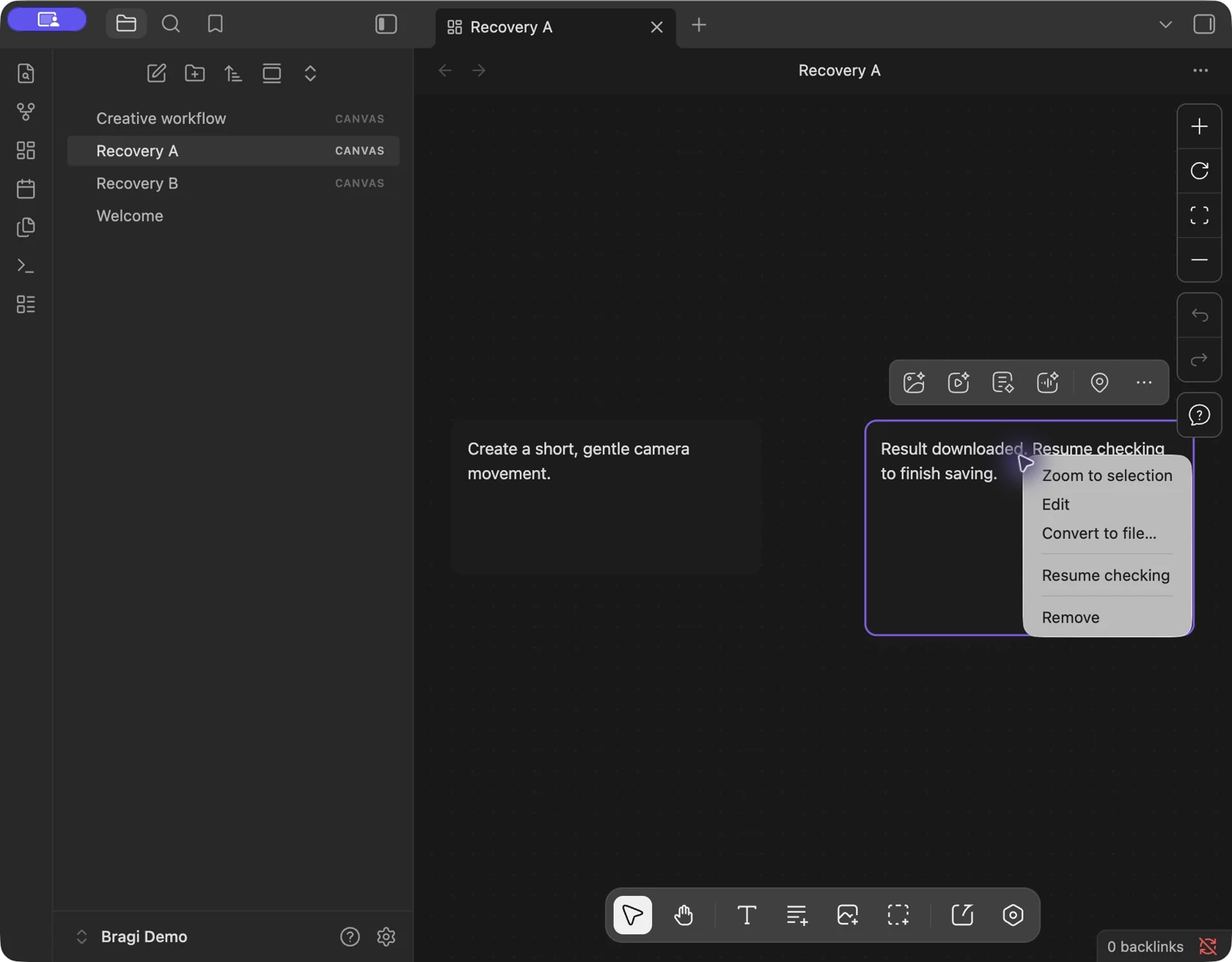
- Click the circular arrow after the details button to Resume checking, right-click the placeholder and choose Resume checking, or run Bragi Canvas: Resume pending generation checks from the command palette.
Unrecognized responses and local write errors keep the task available for recovery. Only a confirmed provider failure or cancellation ends it.
If the result was already downloaded
Bragi saves the result path before updating the canvas. If saving the canvas fails, Resume checking reuses that file. It does not generate it again.
If you deleted the placeholder, the output stays in the vault and a notice shows its path. See Where Files Go.
The agent tool list_pending_tasks includes waiting and attention states, the next retry time, and a short error message.