Documentation
Learn Bragi Canvas from scratch, follow projects, or look up features and fixes.
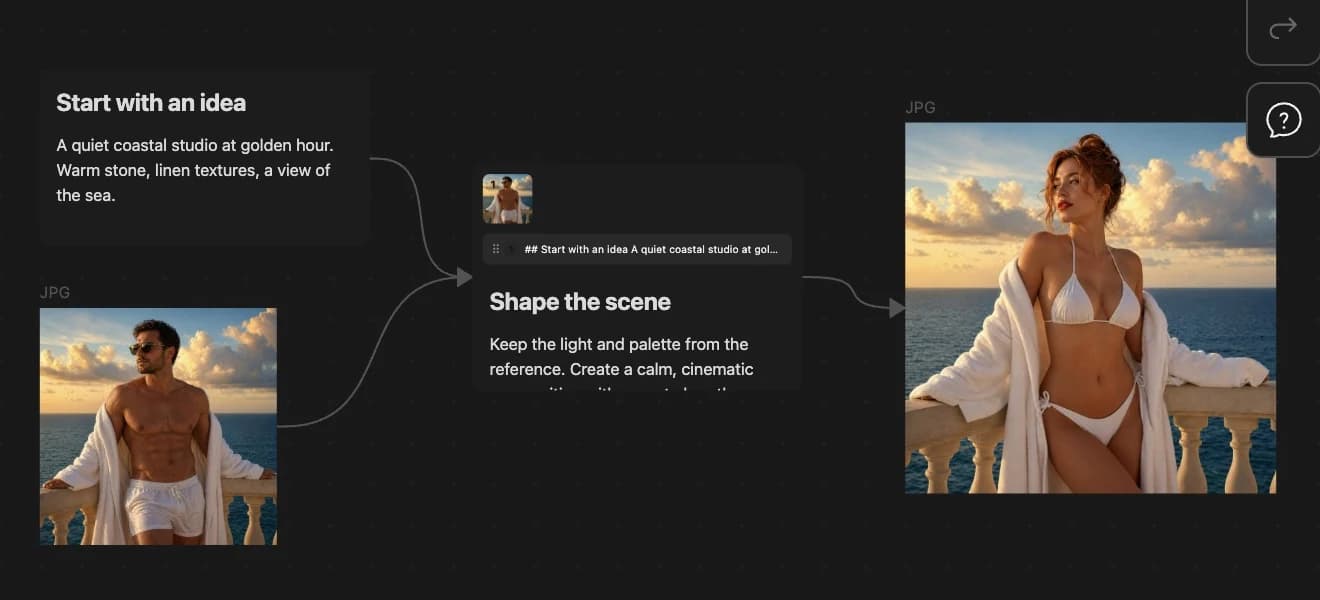
Bragi Canvas turns an Obsidian Canvas into an AI workspace. You write prompts on cards, connect references with arrows, and run models from the canvas toolbar. Results appear as new connected cards on the same canvas.
Start here
Choose the path that matches what you need right now.
- New here? Start with What is Bragi Canvas, then Install and First Key, then Your First Result.
- Want a project? Follow Make Five Storyboard Frames and the other tutorials under Learn by Doing.
- Something broke? Go to Help and pick the symptom that matches your issue.
How this site is organized
Quick Start — Install the plugin, add a provider key, and generate your first result in about 30 minutes.
Learn by Doing — Short project tutorials that teach canvas workflows: storyboards, reference images, image-to-video, and text splitting.
Feature Guide — A concise reference for every major feature: references, image, video, text, audio, canvas tools, sharing, models, and MCP.
Help — Symptom-based fixes for common problems like missing models, greyed-out Run buttons, or ignored references.